Best Google Cloud Platform (GCP) security tools by category
A practical guide to the most effective tools for protecting Google Cloud environments across identity, workloads, posture, data, and application security.
Cloud security on Google Cloud Platform is about coverage, not a single silver-bullet product. The strongest teams pair native Google tools for posture, logging, and identity with specialist vendors for application behavior, data classification, and human-validated testing of critical apps and APIs. This guide breaks down the most important GCP security tool categories, practical “best-of” options, and how to think about combining them without over-buying.
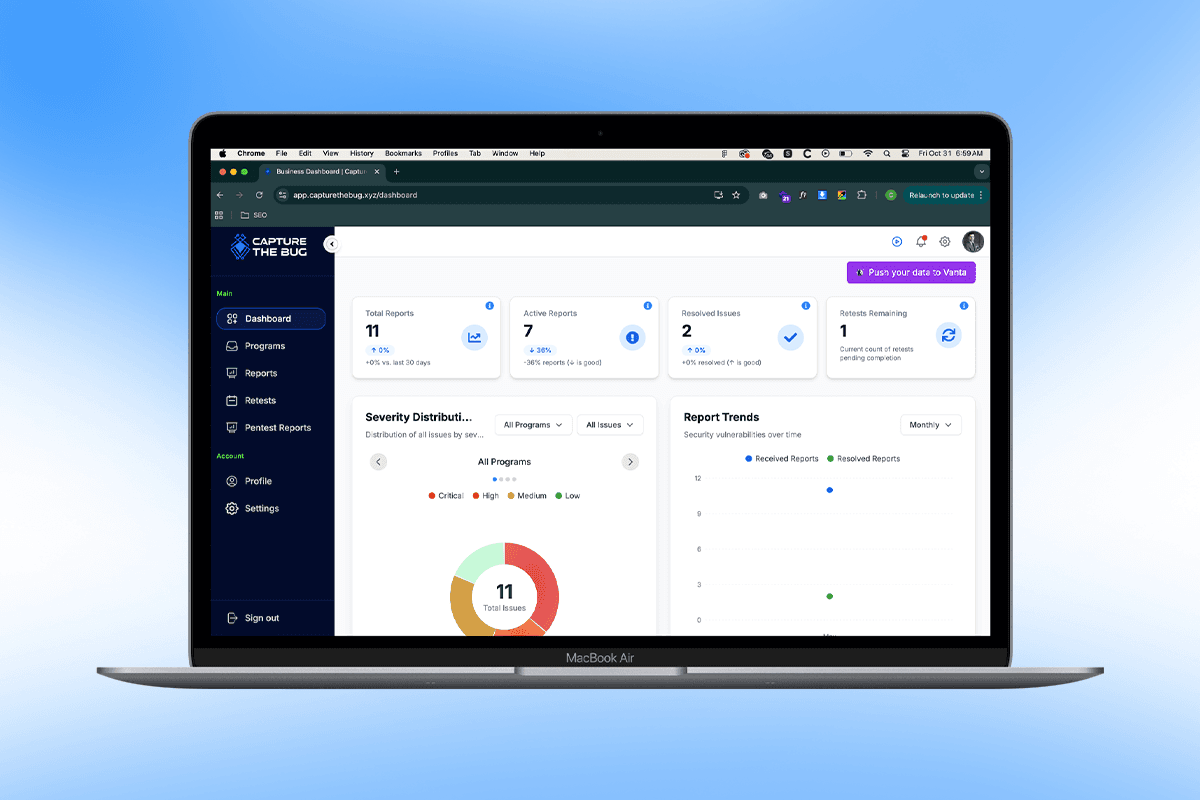
As a rule of thumb: use Google-native services to get fast, baseline visibility and controls; then add third-party platforms where you need depth, cross-cloud correlation, or continuous penetration testing. Capture The Bug usually sees the best outcomes when teams cover posture, identity, workloads, applications, data, and threat detection in a layered, pragmatic way.
1. Cloud security posture management (CSPM)
Why it matters
Misconfigurations, excessive permissions, and drift across projects and folders are still the biggest source of GCP risk. CSPM tools continuously check your environment against Google best practices and benchmarks like CIS, surfacing dangerous storage, network, and IAM choices before attackers find them.
Top picks
Google Cloud Security Command Center (SCC) for native, organization-wide visibility into misconfigurations, vulnerabilities, and active threats.
Wiz or Prisma Cloud when you run multi-cloud or need a single pane of glass across AWS, Azure, and GCP with richer prioritization.
What to evaluate
Multi-project and folder support, policy coverage (CIS, PCI, ISO, internal baselines), integration with SCC findings, and how quickly findings can be pushed into Jira, ServiceNow, or your sprint backlog.
2. CNAPP (cloud native application protection platform)
Why it matters
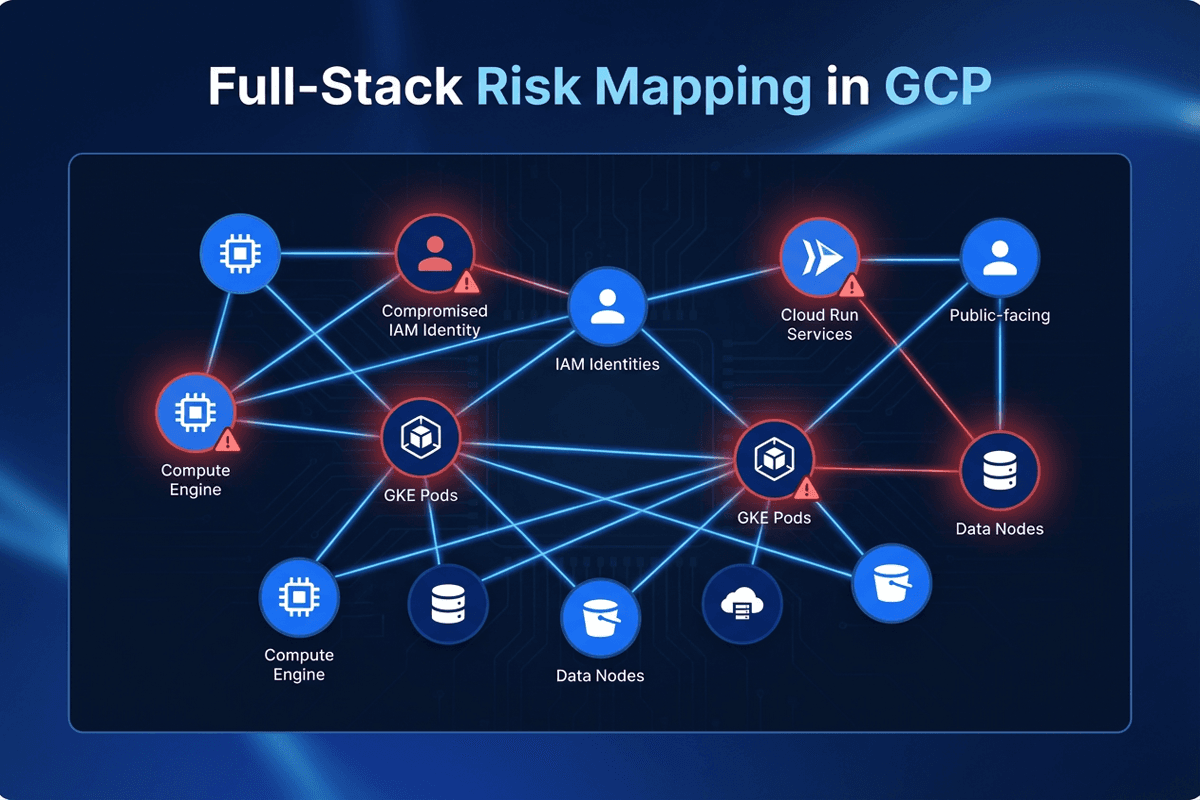
Modern GCP environments mix GKE, Cloud Run, Compute Engine, and managed databases. CNAPP platforms connect posture, workload inventory, IaC scanning, and some runtime context so you can see how misconfigurations, exposed services, and vulnerabilities line up on real workloads.
Top picks
Wiz for broad, agentless discovery across Compute Engine, GKE, Cloud Run, and Terraform, with clear “to-fix-first” views.
Prisma Cloud if you run hybrid or multi-cloud estates and want unified policy-as-code across AWS, Azure, and GCP.
What to evaluate
Coverage across compute types (GKE, Cloud Run, Compute Engine), IaC scan depth for Terraform and Deployment Manager, noise levels out of the box, and pricing that scales by workloads or vCPU rather than by named users.
3. Application security (DAST / runtime testing)
Why it matters
The most expensive GCP incidents rarely come from pure misconfiguration. They come from business logic flaws, broken auth, and insecure APIs running on Cloud Run, GKE, or App Engine. Static checks and posture tools cannot fully exercise these paths; you need tools that test running applications.
Top picks
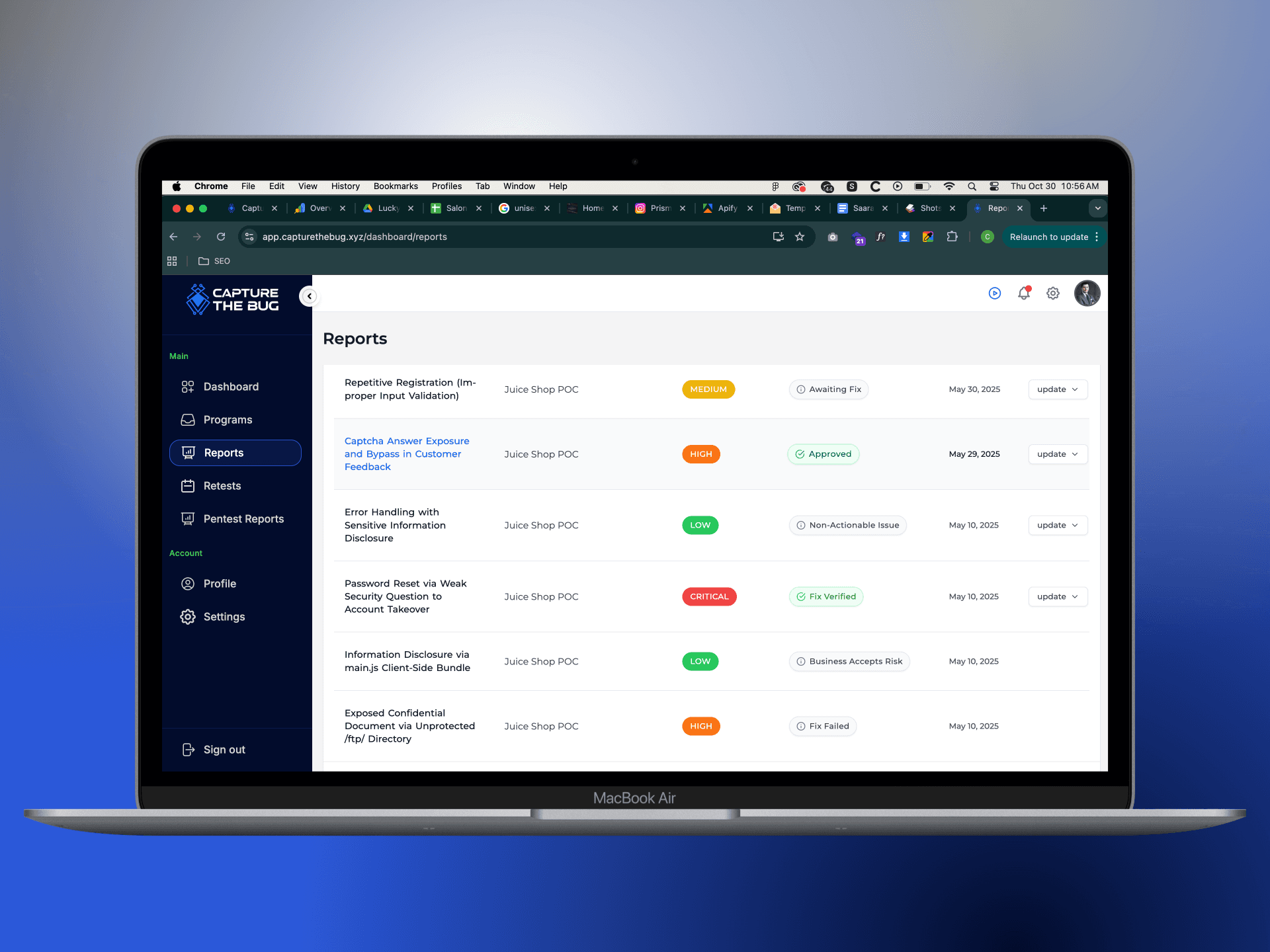
Capture The Bug PTaaS for continuous, human-validated testing of web apps and APIs hosted on GCP, with deep coverage of authentication flows, GCP-integrated identity (Workforce/Workload Identity), and edge cases that scanners miss.
Burp Suite, StackHawk, or Invicti where you need developer-operated scanning that plugs into pipelines, supplemented by manual review for critical releases.
What to evaluate
Ability to test APIs fronted by Apigee or API Gateway, support for authenticated SPA flows, coverage for multi-tenant SaaS behavior, and how clearly remediation advice is delivered to engineers inside the tools they already use.
4. Network and edge protection
Why it matters
Public-facing applications rely on global load balancing, Cloud CDN, and DNS. DDoS, L7 abuse, and bot traffic can quickly translate into downtime and runaway egress bills if you do not harden the edge.
Top picks
Cloud Armor for Google-native WAF, L7 DDoS protection, and rule-based filtering in front of external HTTP(S) load balancers.
Cloud CDN + reCAPTCHA Enterprise to reduce latency and filter abusive bot or credential-stuffing traffic.
What to evaluate
Rule management complexity, visibility into blocked vs allowed traffic, cost-protection mechanisms, and how incidents are surfaced to your SOC or on-call rotations.
5. Data protection and DSPM
Why it matters
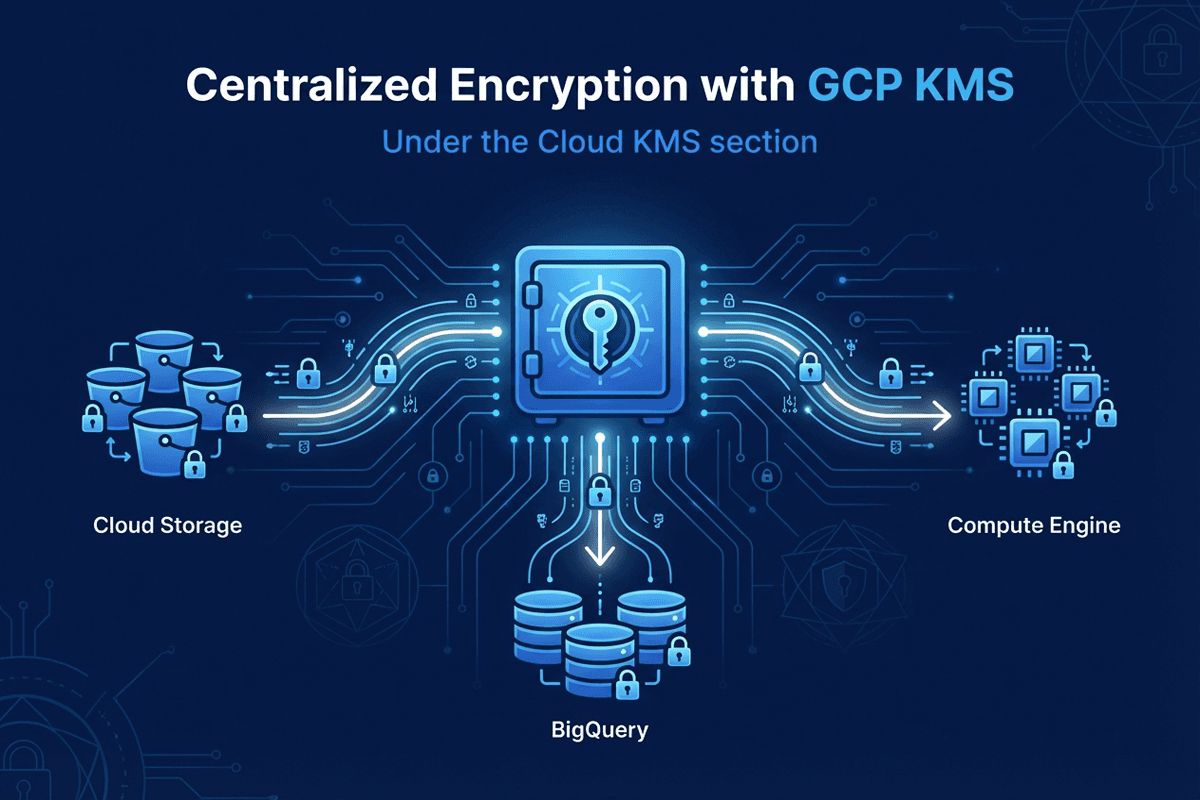
GCS buckets, BigQuery datasets, and managed databases often contain your most sensitive customer and telemetry data. Data security posture management (DSPM) tools help you discover where sensitive data lives, who can access it, and whether it is exposed to the internet or the wrong projects.
Top picks
Cloud Data Loss Prevention (DLP) for native inspection of sensitive data in GCS, BigQuery, and streaming pipelines.
Dedicated DSPM platforms when you need deep classification across multiple clouds, file-level policies, or automated enforcement workflows.
What to evaluate
Per-GB scanning costs, ability to define custom detectors (for internal IDs and domain-specific data), coverage beyond GCS (BQ, Cloud SQL, AlloyDB), and how quickly you can remediate overly permissive buckets or datasets.
6. Identity and access management (IAM)
Why it matters
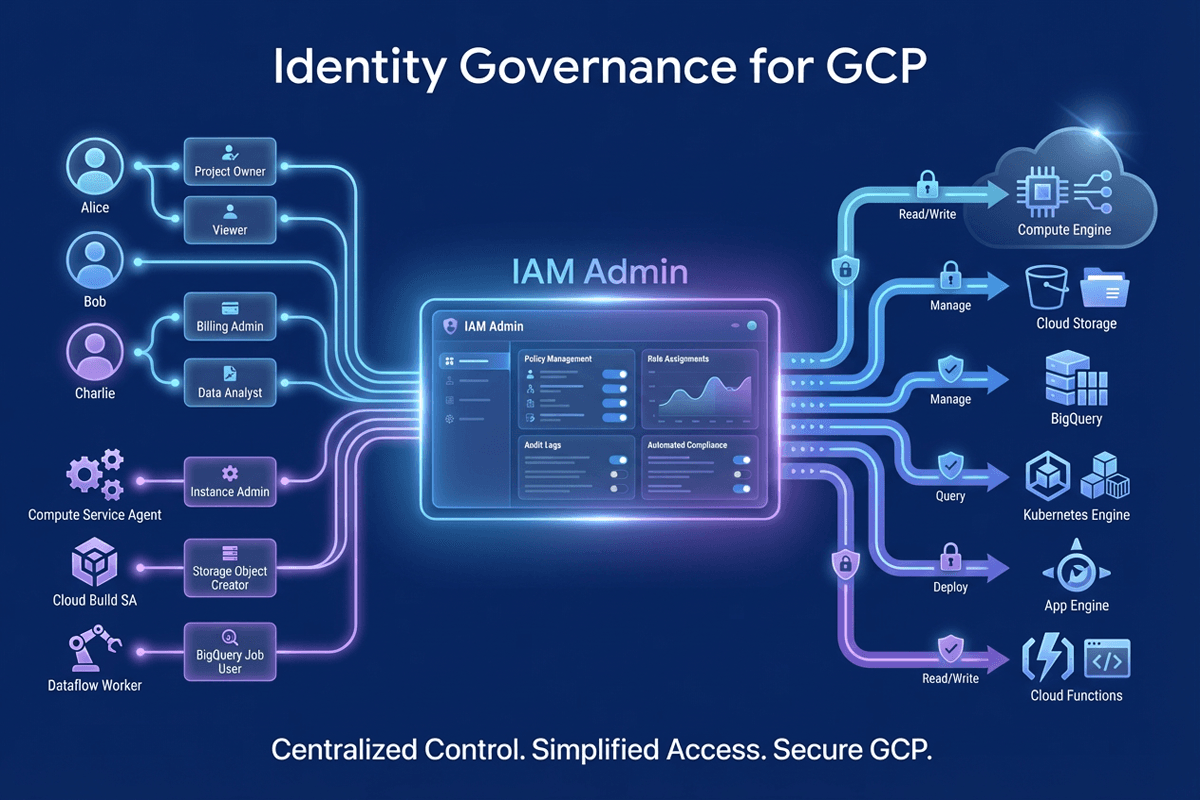
In GCP, identity is the control plane. Overly broad roles, service accounts shared across apps, and long-lived keys are common root causes of compromise. Cleaning up IAM reduces blast radius before you spend on additional tools.
Top picks
Cloud IAM + IAM Recommender for analyzing and tightening permissions on users, groups, and service accounts.
SSO/IdP platforms (Okta, Google Workspace, Azure AD)to centralize human identity, MFA, and lifecycle management, tied back into Cloud IAM.
What to evaluate
How easily you can move to least-privilege roles, support for just-in-time access, detection of unused or risky service accounts, and integration with your HR systems and SSO.
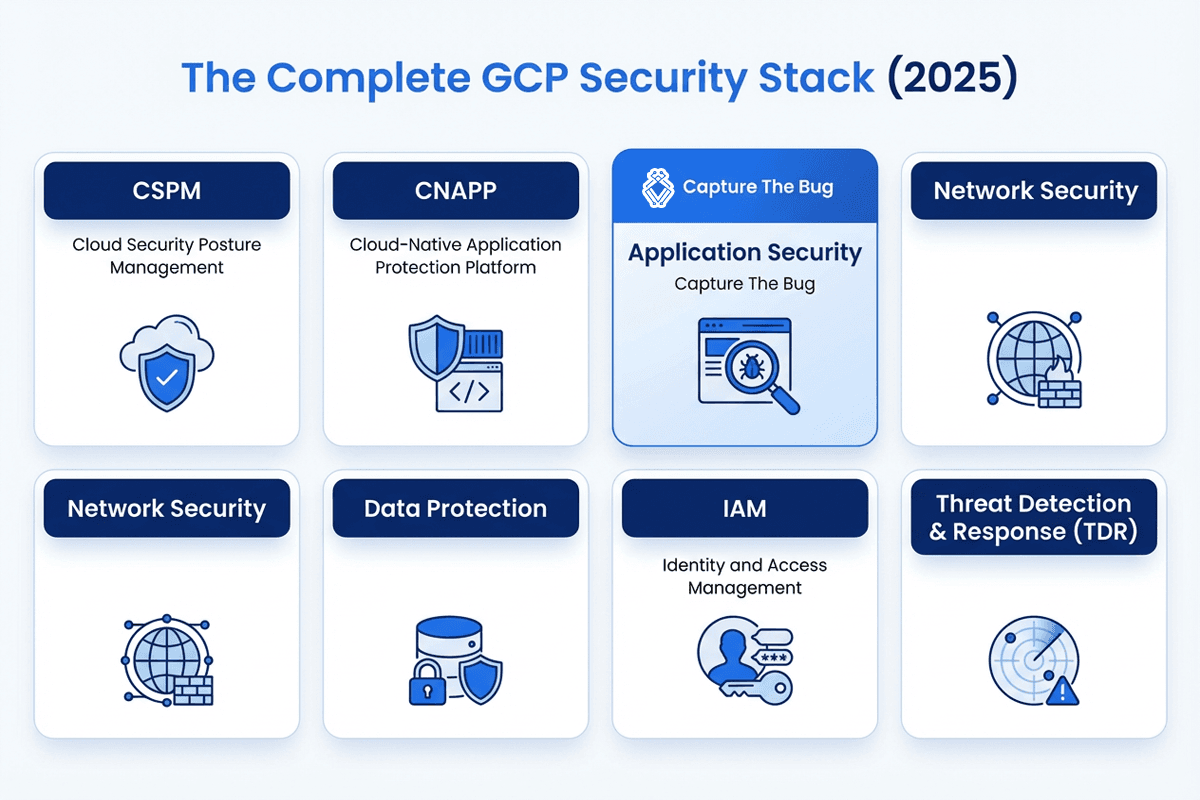
7. Threat detection and response (TDR)
Why it matters
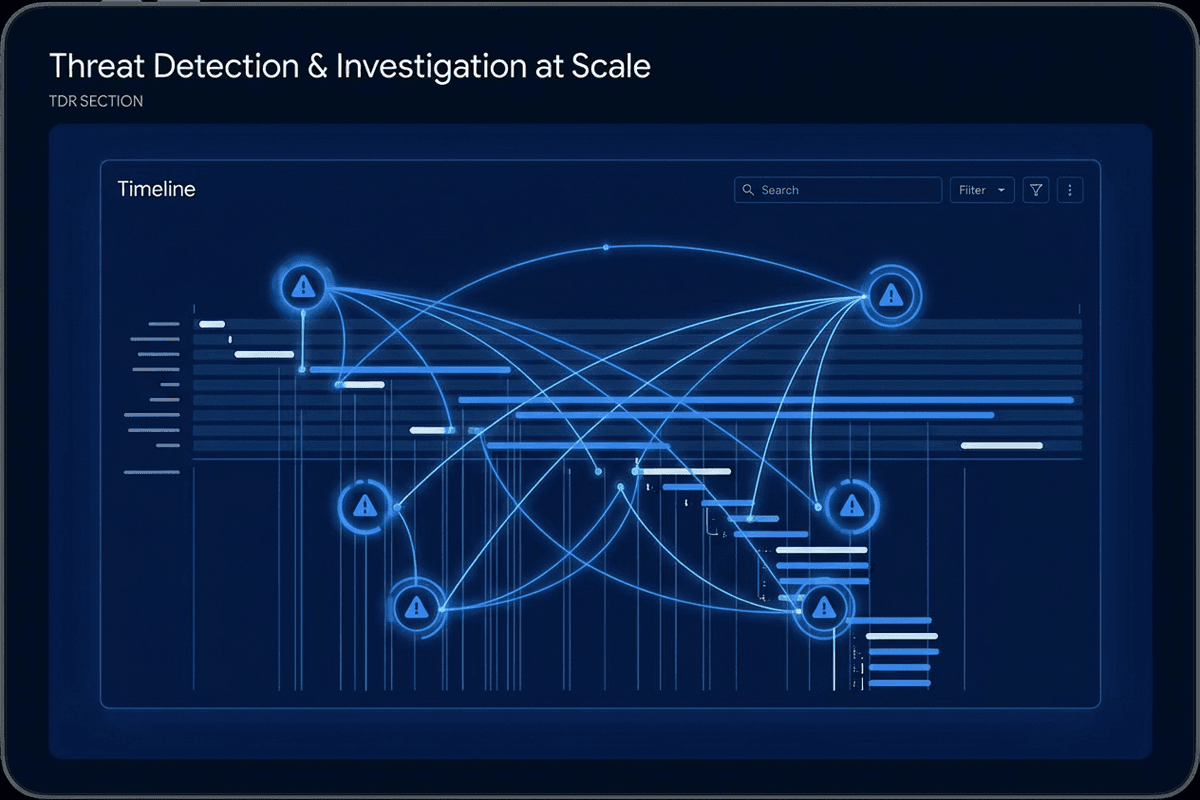
Even with strong prevention, you need to assume credentials will be phished, keys leaked, or misconfigurations introduced. Threat detection tools continuously analyze logs and signals from GCP so you can detect and respond before attackers reach customer data.
Top picks
Security Command Center (SCC) + Cloud Logging for native threat detection, anomaly alerts, and log aggregation.
Chronicle or other XDR/SIEM platforms when you need correlation across endpoints, multiple clouds, and SaaS telemetry.
What to evaluate
Signal quality and false-positive rates, coverage of Cloud Audit Logs, VPC Flow Logs, and DNS, and how seamlessly alerts feed into your incident response runbooks and automation.
How Capture The Bug recommends combining tools
- Start with Google-native controls: enable SCC, Cloud Logging, Cloud Armor, and strong Cloud IAM baselines across all projects.
- Add CNAPP and DSPM where your estate is complex: containers, serverless, and large data lakes that outgrow manual reviews.
- Layer continuous application testing on top of this using platforms like Capture The Bug's PTaaS so high-risk GCP-hosted apps and APIs are exercised by humans, not just scanners.
Top considerations when choosing GCP security tools
- Coverage vs complexity: prioritize tools that reduce blind spots on your highest-value projects instead of buying everything at once.
- Multi-project design: if you use folders and multiple orgs, ensure the tool supports those structures and cross-project policies.
- Cost model: understand whether pricing is per project, per workload, per GB, or per user, and pilot on a single high-risk environment before expanding.
- Workflow integration: pick tools that send prioritized findings into your ticketing, chat, and on-call systems rather than creating yet another dashboard.
- Compliance mapping: confirm that findings map to frameworks like ISO, SOC 2, HIPAA, and PCI-DSS if audits are a key driver.
Final thoughts
There is no single “best” GCP security tool. The most effective stacks are layered: strong identity foundations, posture visibility, data awareness, and continuous testing of the applications that actually face your customers.
At Capture The Bug, we typically advise teams to fix identity hygiene, turn on the right Google-native services, then invest in runtime and application validation. That order gives you fast wins, better incident visibility, and fewer surprises when auditors or customers start asking hard questions about how you secure your GCP footprint.
FAQ
Q1. Which security tool category should GCP teams start with?
Start with identity and posture: clean up Cloud IAM roles and service accounts, enable Security Command Center, and make sure basic logging is in place before adding more tooling.
Q2. Is Google Cloud Security Command Center enough on its own?
SCC is an excellent baseline, especially in Premium tier, but it is not a replacement for CNAPP, DSPM, or continuous application testing. Think of it as your default control plane, not your only control.
Q3. Do smaller teams need CNAPP and DSPM right away?
Not always. Early-stage teams often get more value from strong IAM, basic CSPM, and targeted penetration testing of their primary app and APIs. Add CNAPP and DSPM as your number of projects and data stores grows.
Q4. How can we control costs as we add more GCP security tools?
Pilot each tool on a single, high-risk environment first, monitor true-positive findings and alert volume, and model annual spend based on actual usage rather than vendor marketing estimates.
Q5. What should teams prioritize first in their GCP security program?
Focus on identity cleanliness (Cloud IAM and SSO), posture visibility (SCC and CSPM), andcontinuous application testing for your customer-facing apps and APIs through platforms like Capture The Bug. Those three layers dramatically reduce the impact of most real-world attacks.